LinkedIn and X API Limits for Schedulers
LinkedIn states openly that its standard rate limits are not published in documentation, and X has replaced its API tiers with pay-per-usage billing at $0.015 per post created, rising to $0.200 when the post contains a URL. Both facts change how a scheduler can behave. Official docs read October 11, 2026.
This article is a documentation review: it is based on the vendors' own published pages, checked on the date shown. We may earn a commission from some links; it never affects what we recommend.
Neither LinkedIn nor X publishes a simple posts-per-day number for schedulers, and for opposite reasons. LinkedIn states in its own developer documentation that standard rate limits are not published at all and must be looked up per application in its portal. X has gone the other way and abolished API tiers in favour of pay-per-usage billing, where creating a post costs $0.015 and creating a post that contains a URL costs $0.200. This guide reads the official documentation for both platforms as checked on October 11, 2026, and sets out what each constraint means for a scheduling tool.
LinkedIn does not publish its rate limits
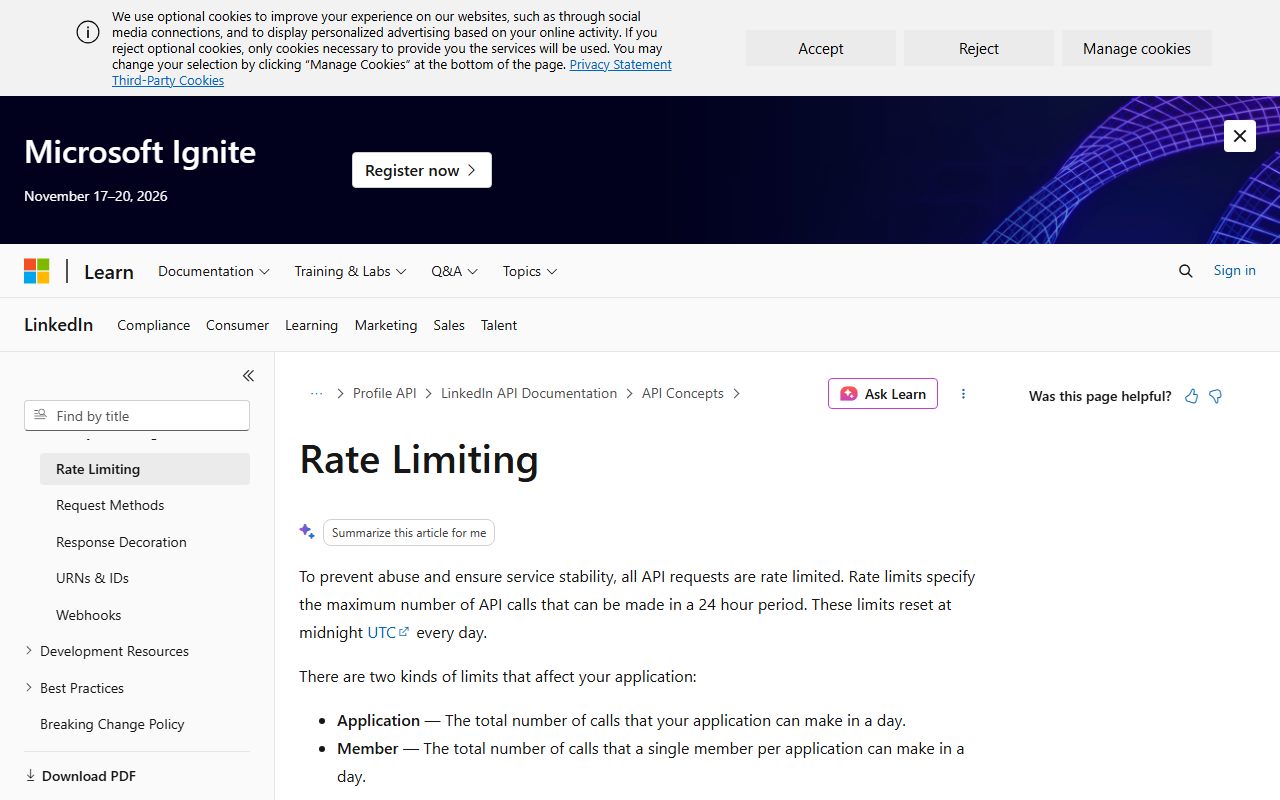
The rate limiting page is unusually direct: "Standard rate limits are not published in documentation. You can look up the rate limit of any endpoint your app has access to through the Developer Portal."
The portal only helps after the fact. The page notes that the Analytics tab "will only show usage and rate limits for endpoints you have made at least 1 request to today (UTC)", so an unused endpoint shows nothing until you call it once.
The window itself is fixed. Limits "specify the maximum number of API calls that can be made in a 24 hour period" and "reset at midnight UTC every day". There is no rolling 15-minute window to work around.
Two limits apply at once: the application limit, which is "the total number of calls that your application can make in a day", and the member limit, which is "the total number of calls that a single member per application can make in a day".
The 429 warning arrives late, and only for the app limit
Exceeding either limit returns a 429 response. LinkedIn also warns that "in rare cases, LinkedIn may also return a 429 response as part of infrastructure protection", which means a 429 is not proof that you overspent your quota.
The early warning is thin. Developer admins receive email alerts at 75 percent of quota, but the page states alerts are "not sent in real-time" with "an expected delay of approximately 1-2 hours", and are "triggered only on application-level threshold breaches, not on member-level" ones.
For a scheduler that posts for many customers from one application, that is the uncomfortable case. One heavy customer can consume a shared application quota and nobody is emailed about it.
Three LinkedIn Posts API rules shape what a scheduler can offer
First, link previews are not automatic. The Posts API documentation states that it "does not support URL scraping for article post creation, as it introduces unpredictability in how a post will appear when created by API partners".
Partners must instead "set article fields such as thumbnail, title, and description within the post", uploading the thumbnail through the Images API first. A scheduler that shows you a preview is building it, not fetching it.
Second, drafts cannot be created through the API. On the lifecycleState field the documentation says PUBLISHED "is the only accepted field during creation", so an unpublished draft lives in the scheduler's own database rather than on LinkedIn.
Third, organic carousels are not supported at all, while polls and multi-image posts are organic only. Targeted organic posts add a floor: "The audience you target for your UGC Post must be greater than 300 members."
Check which LinkedIn API version your tool is on
Every call must carry a dated version header, written as Linkedin-Version in YYYYMM format, plus X-Restli-Protocol-Version set to 2.0.0. Versions are retired on a published schedule.
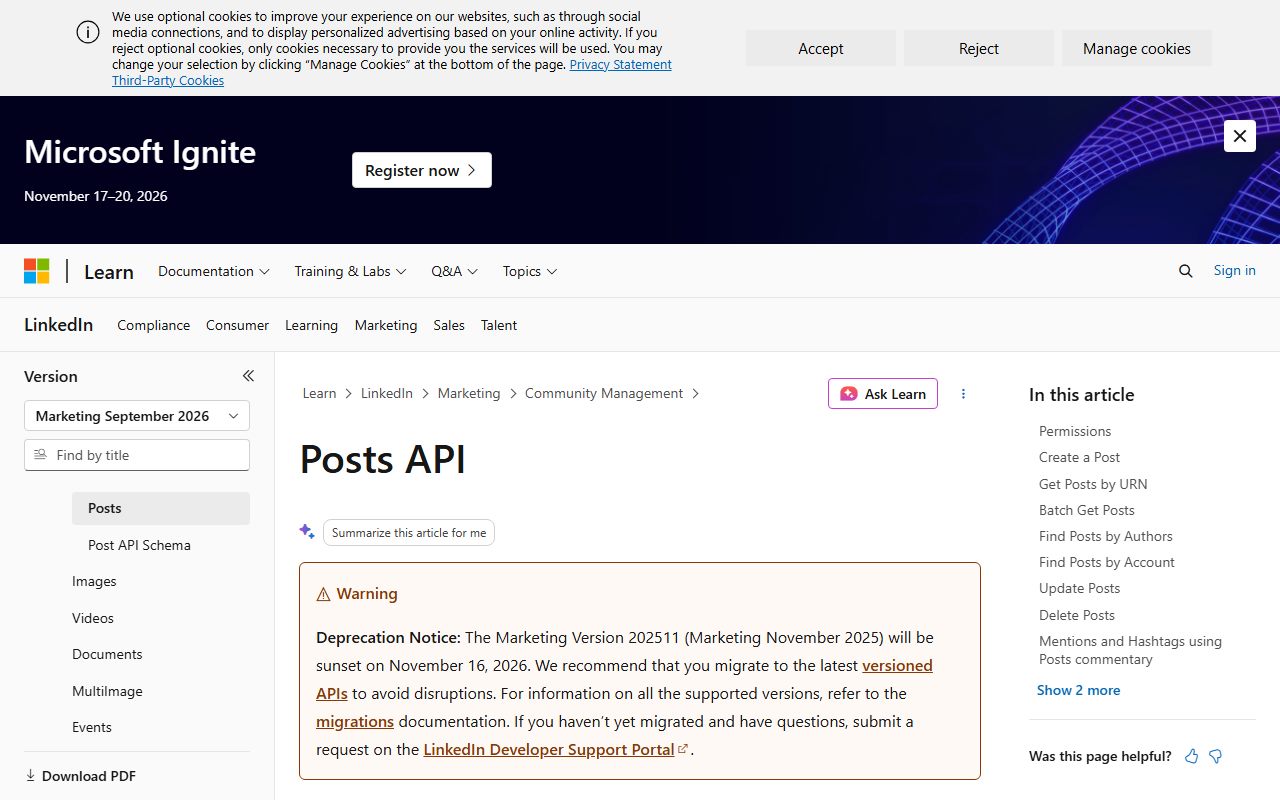
The Posts API page currently carries a deprecation notice: "The Marketing Version 202510 (Marketing October 2025) will be sunset on October 15, 2026." That date is days away from this article, so a tool still pinned to it will start failing.
Posting on behalf of a company page also needs the w_organization_social permission, and that is "restricted to organizations where the authenticated member has one of the following company page roles: ADMINISTRATOR, DIRECT_SPONSORED_CONTENT_POSTER, CONTENT_ADMIN".
X replaced its API tiers with pay-per-usage credits
The X API documentation now opens with the model: "The X API uses pay-per-usage pricing. No subscriptions - pay only for what you use." Credits are bought upfront in the Developer Console and deducted per request.
Write prices are charged per request. Post: Create is $0.015. Post: Create (with URL) is $0.200. Post: Create (summoned) is $0.010. Interaction: Delete is $0.010 and Content: Manage is $0.005.
Reads are charged per resource returned: $0.005 for a post, $0.010 for a user or a DM event, $0.001 for a like, mute or block. The page adds that "pay-per-usage plans are capped at 3 million Post reads per monthly billing cycle".
New payers get "$20 in free X API credits when you save your first eligible payment card, and a match of your first auto-recharge up to $50".
Rate limits still apply on top of the credits. Creating a post is listed at 100 per 15 minutes for a user token and 10,000 per 24 hours for an app token, with the remaining allowance returned in the x-rate-limit-remaining header.
The URL surcharge is the line that matters most
A social media scheduler exists largely to post links. At the published rate, that is the single most expensive routine action on the X API, more than thirteen times the cost of a text post.
The following figures are our arithmetic from the October 11, 2026 rate card, not quotes from it. One link post per day for a month is 30 requests, which is $6.00.
Three link posts a day across five accounts is 450 requests per month, which is $90.00. The same volume as plain text posts would be $6.75. The gap is a content decision, not a plan decision.
- Ask whether your scheduler holds its own X API credits or asks you to bring your own.
- Ask whether link posts are billed on to you, and at what markup.
- Check whether the tool shortens links, because the surcharge applies to a post containing a URL either way.
- Check that the tool reads x-rate-limit-remaining and x-rate-limit-reset rather than retrying blindly.
- For LinkedIn, ask which Linkedin-Version header the tool sends today.
Bottom line
On LinkedIn, the limit you need to plan around is not published, so the only honest answer a vendor can give is which endpoints it calls and how it backs off from a 429. Ask for that in writing.
On X, the limit is now a price. Link-heavy scheduling is expensive by design, and any tool that resells X posting has to absorb or pass on $0.200 per link post.
Related reading: how to read a social media tool pricing page, what counts as a seat, approval workflows by plan, Sprout Social versus Hootsuite, free plans compared and n8n Cloud versus self-hosted.
Frequently asked questions
How many posts a day can a tool publish to LinkedIn?
LinkedIn does not say. Its rate limiting page states that standard rate limits are not published in documentation and must be looked up per endpoint in the Developer Portal Analytics tab, after at least one call that day.
When do LinkedIn API limits reset?
At midnight UTC. The documentation specifies limits over a 24-hour period that reset at midnight UTC every day, with separate application-level and member-level counts running at the same time.
Why does my scheduled LinkedIn link post look wrong?
Because LinkedIn does not scrape the URL. The Posts API documentation states that API partners must set the thumbnail, title and description themselves, uploading the thumbnail through the Images API before creating the post.
How much does posting to X cost through the API?
$0.015 per post created, or $0.200 if the post contains a URL, per the X API pricing page checked October 11, 2026. Credits are bought upfront and there is no subscription tier.
Is there still a free X API tier?
Not as a tier. The documentation describes pay-per-usage with no subscriptions, and offers $20 in free credits when a first eligible payment card is saved, plus a match of the first auto-recharge up to $50.
Can a social media tool create LinkedIn drafts for approval?
Not on LinkedIn itself. The Posts API accepts PUBLISHED as the only lifecycleState value at creation, so any approval queue is held inside the scheduling tool until the moment it publishes.
Sources
- LinkedIn API rate limiting (checked Oct 11, 2026)
- LinkedIn Posts API (checked Oct 11, 2026)
- X API pay-per-usage pricing and credits (checked Oct 11, 2026)
- X API rate limits (checked Oct 11, 2026)
- X API introduction (checked Oct 11, 2026)