How Many Photos Fit in One Scheduled Post
Buffer states an Instagram carousel holds up to 20 images and videos combined. Publer states the same carousel holds up to 10 photos and cannot include video at all. Publer's own page lists TikTok at 35 photos in one line and 10 in the next. Documentation read November 3, 2026.
This article is a documentation review: it is based on the vendors' own published pages, checked on the date shown. We may earn a commission from some links; it never affects what we recommend.

The number of photos you can put in one scheduled post is not a property of the network. It is a property of the tool, and the two tools in this article disagree about Instagram by a factor of two.
Buffer's Instagram article states a carousel can include up to 20 images and videos combined. Publer's help center states a carousel can be up to 10 photos, with video not supported in a carousel at all.
Both pages were read on November 3, 2026. We print both figures rather than pick one, because the difference changes what you can plan.
Instagram: 20 slots on one tool, 10 on the other
Buffer is explicit and repeats the number in its own FAQ. Up to 20 images and videos combined, mixed freely, with Stories taking up to 10 and a Reel taking one video.
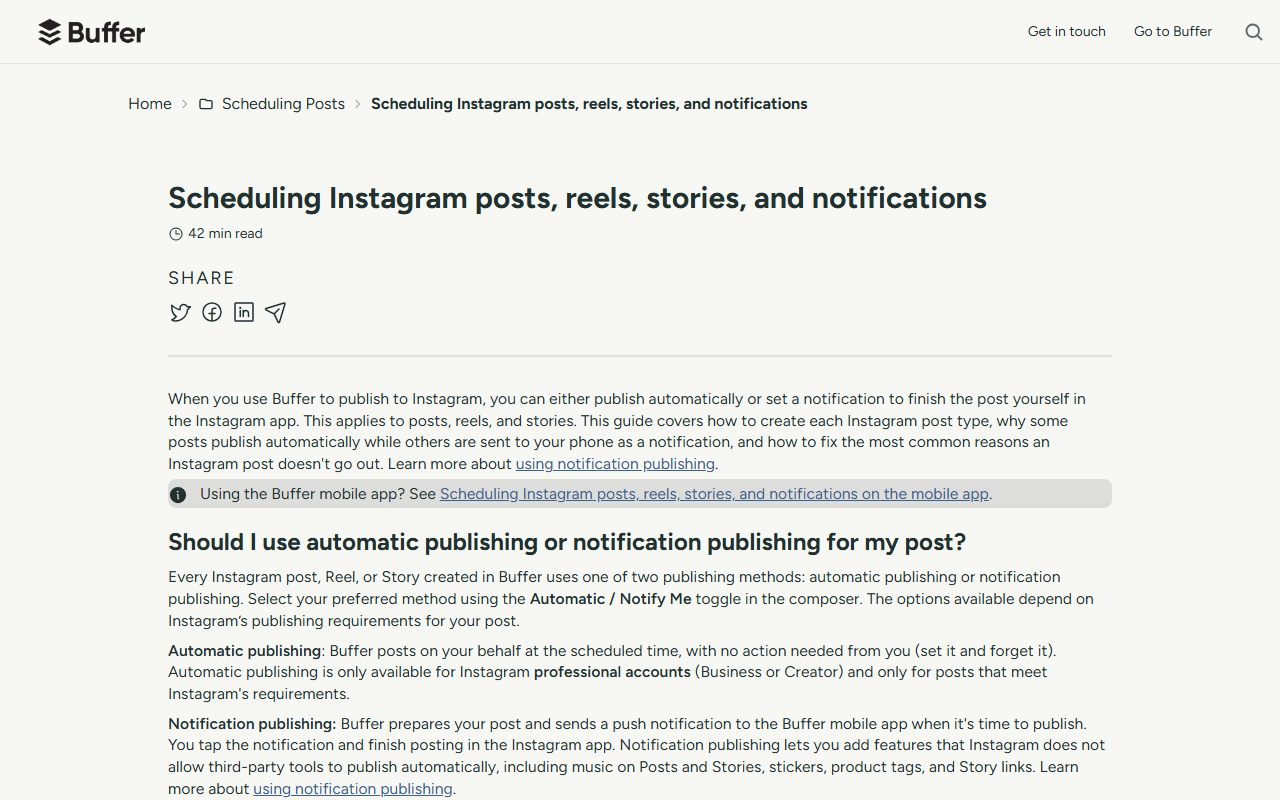
There is a condition attached that is easy to trip over. Buffer states that drafts saved without a channel selected are limited to 10 images and videos, whichever network you plan to post to.
To use all 20 slots you have to pick the Instagram channel when you create the post. A draft built first and assigned later tops out at half the capacity.
Publer's limit is flat. Its supported post types line reads single and multi-photo carousel posts up to 10 photos, and its limitations line repeats that videos cannot be included.
One rule both vendors agree on is cropping. The first image sets the aspect ratio and every following image is cropped to match, which Buffer notes happens natively on Instagram too.
Publer's page contradicts itself on TikTok
The TikTok section lists two different ceilings four lines apart. The supported post types line reads single or multi-photo carousel posts up to 35 photos.
The limitations line directly below reads that carousels can be up to 10 photos, with videos not includable. Both sentences sit in the same section of the same page.
We cannot say which is current. Build to 10 until the page agrees with itself, and confirm in the composer before planning a 35-frame TikTok carousel.
Network-side ceilings are a separate layer under both of these. The published API figures sit in Instagram and TikTok API limits for schedulers.
The rest of the networks, as each vendor states them
Below is Publer's list of photos per post, read November 3, 2026. Where Buffer publishes a comparable number, it appears alongside.
- Facebook: no limit on the photos per post, per Publer. Link carousels are capped at 10 slides.
- X: up to 4 photos on Publer. Buffer lists a 5 MB static image cap but no photo count for X.
- LinkedIn: up to 20 photos on both vendors' pages, which is the clearest agreement in the set.
- LinkedIn PDF carousels: up to 100 photos per carousel on Publer; Buffer allows 1 PDF per post at up to 100MB and 300 pages.
- Pinterest: carousels with up to 5 photos on Publer. Carousels are cropped to the first photo's aspect ratio.
- Threads: up to 20 photos on Publer. Telegram: up to 10. Mastodon: up to 4. Bluesky: up to 4.
- Google Business Profile: a single photo only. Publer states multi-photo posts are not supported due to Google API limitations.
The LinkedIn document route is the odd one out. Publer counts it in photos and Buffer counts it in pages, so the two are not directly comparable even though both land at 100.
Buffer adds one operational catch there: a LinkedIn PDF carousel will not schedule without a document title. The post simply does not save.
File size is a second gate, and the scheduler resizes for you
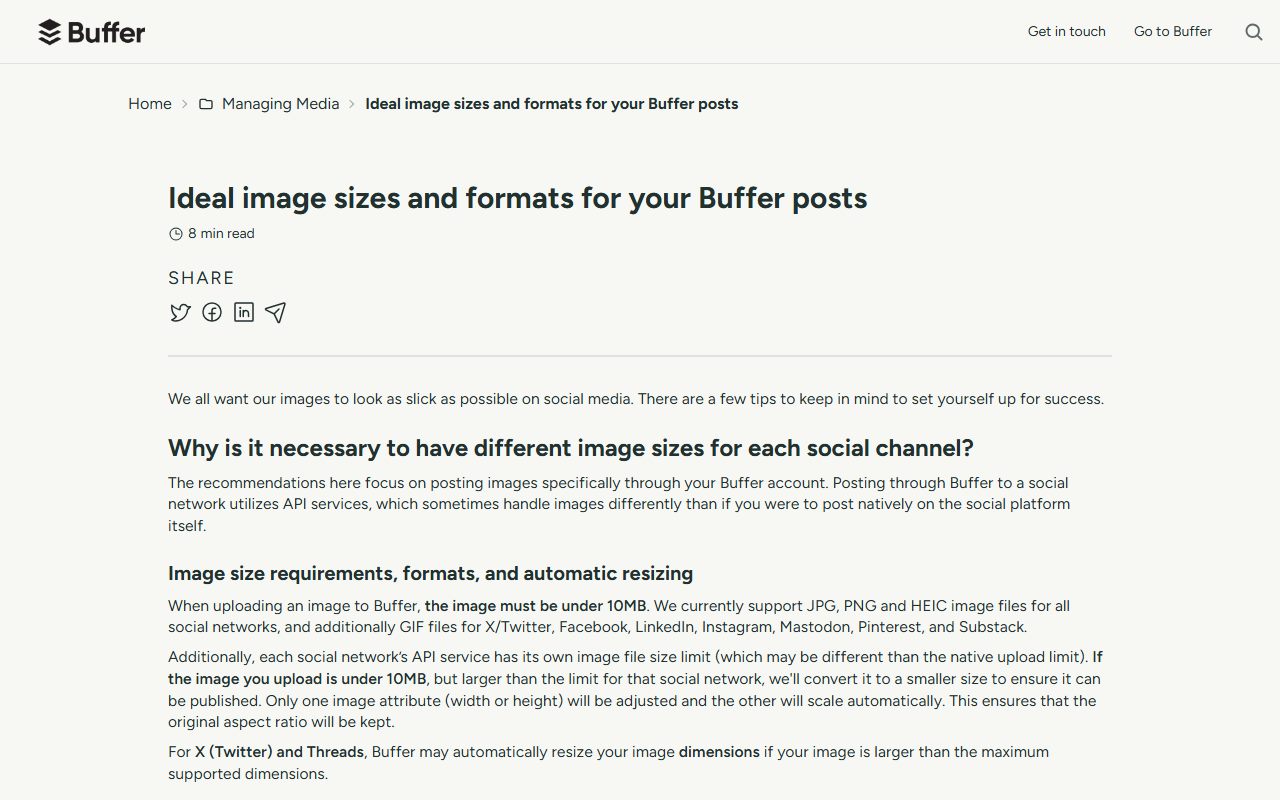
Buffer sets its own upload cap before any network sees the file. An image must be under 10MB, in JPG, PNG or HEIC, with GIF accepted on seven of its networks.
Past that point it intervenes. Buffer states that if your image is under 10MB but larger than the network's limit, it converts the file to a smaller size.
Only one dimension is changed. Buffer adjusts either width or height and lets the other scale, so the original aspect ratio survives the resize.
The per-network caps it lists are not uniform. Facebook and Instagram are 8MB, X is 5 MB static and 15 MB for an animated GIF, LinkedIn is 10 MB and Pinterest is 10MB.
Instagram has a floor as well as a ceiling. Buffer states images over 8MB are converted to 1920 pixels wide, and that the minimum accepted dimensions are 150 x 150 pixels, with smaller images scaled up.
Two networks get no help at all. Buffer puts Bluesky at 1MB and states it is unable to resize larger images, while Publer says it compresses Bluesky photos over 1 MB itself.
X is the clearest case of a tool cap overriding an account upgrade. Buffer states Pro or Premium X accounts may see higher native limits, but the limit when posting via Buffer remains 5 MB.
What we could not attribute
One block on Buffer's image page defeated us. A notes accordion rendered after the Threads heading mixes notes that clearly belong to several networks, including a Google Business Profile note.
Inside it sits the line "Up to 4 images can be attached to one post." We cannot tell which network it belongs to, so we do not assign it to one.
What to check before you build a carousel
- Select the target channel before you start the draft. On Buffer that is the difference between 10 slots and 20.
- Assume 10 Instagram slots if your tool is Publer and 20 if it is Buffer, then confirm in the composer.
- Shoot the first frame in the ratio you want the whole set cropped to. Both vendors say frame one decides.
- Keep images under the network cap, not just under the tool cap. Buffer resizes silently above the network limit.
- Bluesky needs images under 1MB prepared before upload on Buffer. There is no resize there.
- Give a LinkedIn PDF carousel a document title or it will not schedule at all.
A post that quietly loses frames or gets downscaled is not the same as a post that errors, which is the category covered in what a social scheduler does when a post fails.
If your images are produced upstream, export settings are where these limits are easiest to satisfy. Canva free vs Pro for social posts lists what the free tier allows.
The commercial side of the same two vendors is in Publer vs Buffer paid tiers, and the connection itself is billed as described in what counts as a channel in social tools.
For the networks not covered above, see LinkedIn and X API limits for schedulers. Plan pages hide the same kind of fine print, as how to read a social tool pricing page sets out.
Frequently asked questions
How many photos can go in an Instagram carousel through a scheduler?
It depends on the tool. Buffer states up to 20 images and videos combined; Publer states up to 10 photos with no video allowed. Both pages were read November 3, 2026.
Why can I only add 10 images to my Buffer draft?
Buffer states that drafts saved without a channel selected are limited to 10 images and videos. Select the Instagram channel when you create the post to use all 20 carousel slots.
Can a carousel mix photos and videos?
The vendors disagree. Buffer says yes for Instagram, with videos counting toward the 20 items. Publer says videos cannot be included in a carousel post on either Instagram or TikTok.
What is the largest multi-photo post on any network?
On Publer's page, a LinkedIn PDF carousel at up to 100 photos per post. Buffer frames the same feature as 1 PDF per post at up to 100MB and 300 pages.
Does a scheduler shrink my images?
Buffer does. It states that an image under its own 10MB cap but over the network's limit is converted to a smaller size, with one dimension adjusted so the aspect ratio is kept.
How many photos can I schedule to Google Business Profile?
One. Publer states only single-photo updates, events and offers are supported, and that multi-photo posts and videos are not supported due to Google API limitations.
Bottom line
Ask your own tool, not the network. The Instagram carousel ceiling was 20 on one vendor's page and 10 on the other's, read on the same day.
Where a page lists two numbers for the same thing, build to the smaller one. That applies to Publer on TikTok, at 35 photos in one line and 10 in the next.
All figures come from the vendors' own published pages as read on November 3, 2026 and can change without notice. Confirm the slot count in the composer before a shoot depends on it.
Sources
- Buffer: Ideal image sizes and formats for your posts (10MB upload cap, per-network image size limits, automatic resizing rule, LinkedIn 20 images and PDF limits, Bluesky and Substack notes) (checked Nov 3, 2026)
- Buffer: Scheduling Instagram posts, reels, stories and notifications (20-item carousel limit, 10-item cap on channel-less drafts, cropping rule, 20-tag limit, up to 3 collaborators) (checked Nov 3, 2026)
- Buffer: Using LinkedIn with Buffer (one PDF document carousel per post at up to 100MB and 300 pages, document title required to schedule) (checked Nov 3, 2026)
- Publer help center: What post types are supported and what are their limitations (per-network photo counts, Instagram and TikTok carousel caps, LinkedIn PDF carousel, Google Business Profile single-photo rule) (checked Nov 3, 2026)